Shopify storefront merchandising

LumenCanvas

Create and schedule product labels, sale badges, trust icons, and announcement banners without editing theme code. Preview the message, target the right products, and verify it on your storefront.

A Shopify app developed and operated by DEEPLUMEN PTE. LTD.
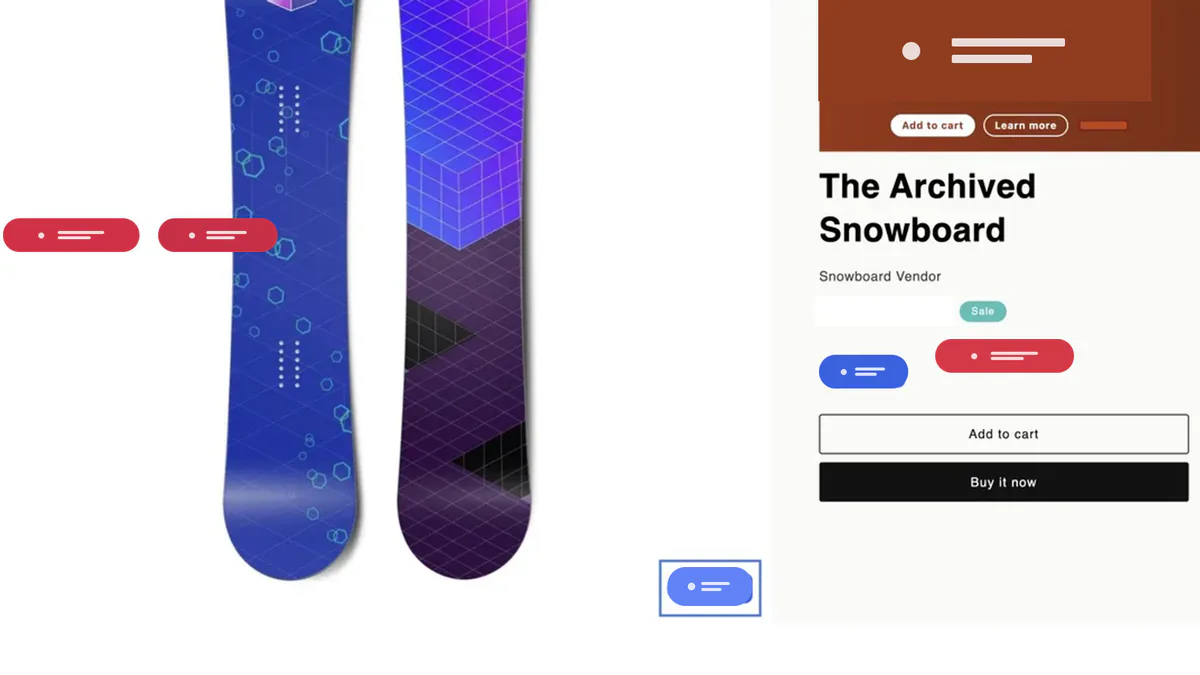
Synthetic demonstration Shopify product page with LumenCanvas labels near the product image and purchase controls
Synthetic demonstration storefront with saved LumenCanvas elements. This is a setup example, not a sales-performance claim.

Core tools

Merchandising controls built for daily store work

Labels and badges

Start from templates or built-in icons, customize text and style, group related labels, and preview the result before publishing.

Placement and targeting

Place content on product images or supported product-page positions, then match products by collection, tag, vendor, price, date, type, or discount.

Announcement banners

Build banners with text, images, countdowns, and buttons, then schedule when a campaign should appear on the storefront.
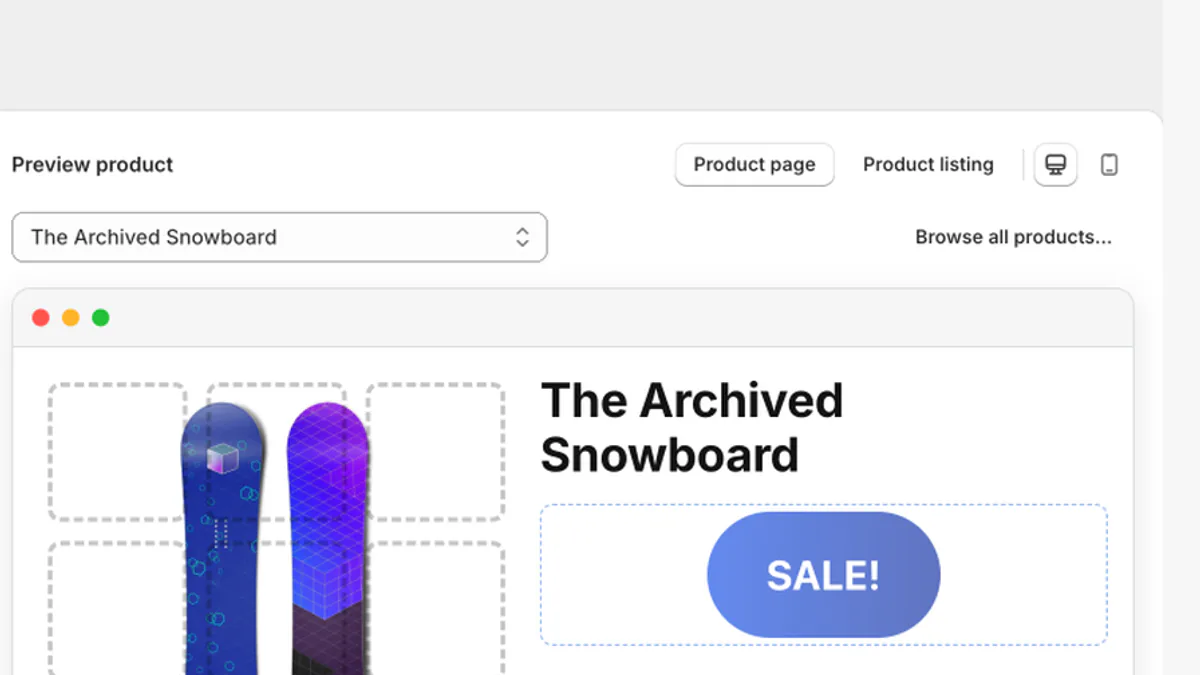
LumenCanvas desktop and mobile selectors above a synthetic product preview
Synthetic demonstration editor using a sample product. Preview is a layout guide; the live theme remains the final check.

From rule to storefront

A controlled path from message to live check

  1. 1
    Define one truthful message

    Start with one reversible label or banner and a known test product.

  2. 2
    Preview on desktop and mobile

    Check the content, placement, and product targeting before publishing.

  3. 3
    Verify both sides of the rule

    Inspect one matching product and one excluded product on the live theme.

Plans

Start with the targeting depth your campaign needs

Prices below are the current USD plan prices. Shopify shows the applicable billing currency before you approve a subscription, and the App Store is the final price source.

Free

$0

  • Core product labels, badges, groups, trust icons, and banners
  • Product, collection, and tag targeting
  • Desktop and mobile preview with basic analytics

Starter

$0.99/month

  • More active labels and campaign elements
  • Vendor, price, and date conditions
  • Recurring schedules and countdowns

Pro

$9.99/month

  • Unlimited configured plan quantities
  • Product type and discount conditions
  • Dynamic variables, CSS selector placement, and audience targeting

Merchant guides

Choose the next guide by the decision in front of you

Storefront delivery

Published through a Shopify theme app extension

LumenCanvas renders through a Shopify theme app extension and an app embed that merchants control in the theme editor. The app does not request write_themes and does not overwrite theme templates or assets.

Preview
Desktop and mobile
Measurement
Impressions, clicks, add-to-carts
Diagnostics
App embed, publishing, and storefront status

FAQ

Questions to answer before your first publish

No. LumenCanvas uses a Shopify theme app extension and an app embed that you control in the theme editor. You enable the embed and save the theme; LumenCanvas does not request write access to your theme files.
Use a product label or sale badge for a product-level message, a trust icon set for factual service or policy cues, a label group when several product cues belong together, and an announcement banner for a broader campaign message.
Start with selected products, a collection, or a maintained product tag. Paid plans add vendor, price, date, product type, and discount conditions. Calculate the indexed match count, then test one product that should match and one that should not.
Preview the design on desktop and mobile, check its matching rules, publish a small reversible test, and inspect both a matching and non-matching product on the live theme. Preview is a layout guide; the storefront is the final proof.
LumenCanvas is delivered through a Shopify theme app extension and supports product-image and supported product-page positions. Theme markup and available space vary, so verify placement on your live theme and contact support if a position needs adjustment.

Developer

DEEPLUMEN PTE. LTD.

LumenCanvas is developed and operated by DEEPLUMEN PTE. LTD. in Singapore. Product support and data-rights requests are handled at contact@deeplumen.io.